Charging Specifications and Daily Maintenance Tips for 7.2V 2450mAh Lithium-Ion Batteries to Extend Walkie-Talkie Lifespan
2025/10/11
Technical knowledge
This article comprehensively introduces the battery compatibility and device functional features of the 7.2V 2450mAh lithium-ion batteries used in Motorola DP4400, DP4600, and DP48 walkie-talkies. It also provides detailed charging specifications and daily maintenance tips. The content covers the correct selection of batteries, the installation process, charging precautions, and common fault troubleshooting methods. The aim is to help users extend the lifespan of walkie-talkies, improve device stability and work efficiency, and ensure a safe and reliable communication experience.

Charging Specifications and Daily Maintenance Tips for 7.2V 2450mAh Lithium-ion Batteries to Extend Walkie-talkie Lifespan
This article focuses on the 7.2V 2450mAh lithium-ion batteries used in Motorola DP4400, DP4600, and DP48 walkie-talkies. It comprehensively introduces the battery compatibility and the functional features of the devices, while providing detailed charging specifications and daily maintenance tips.
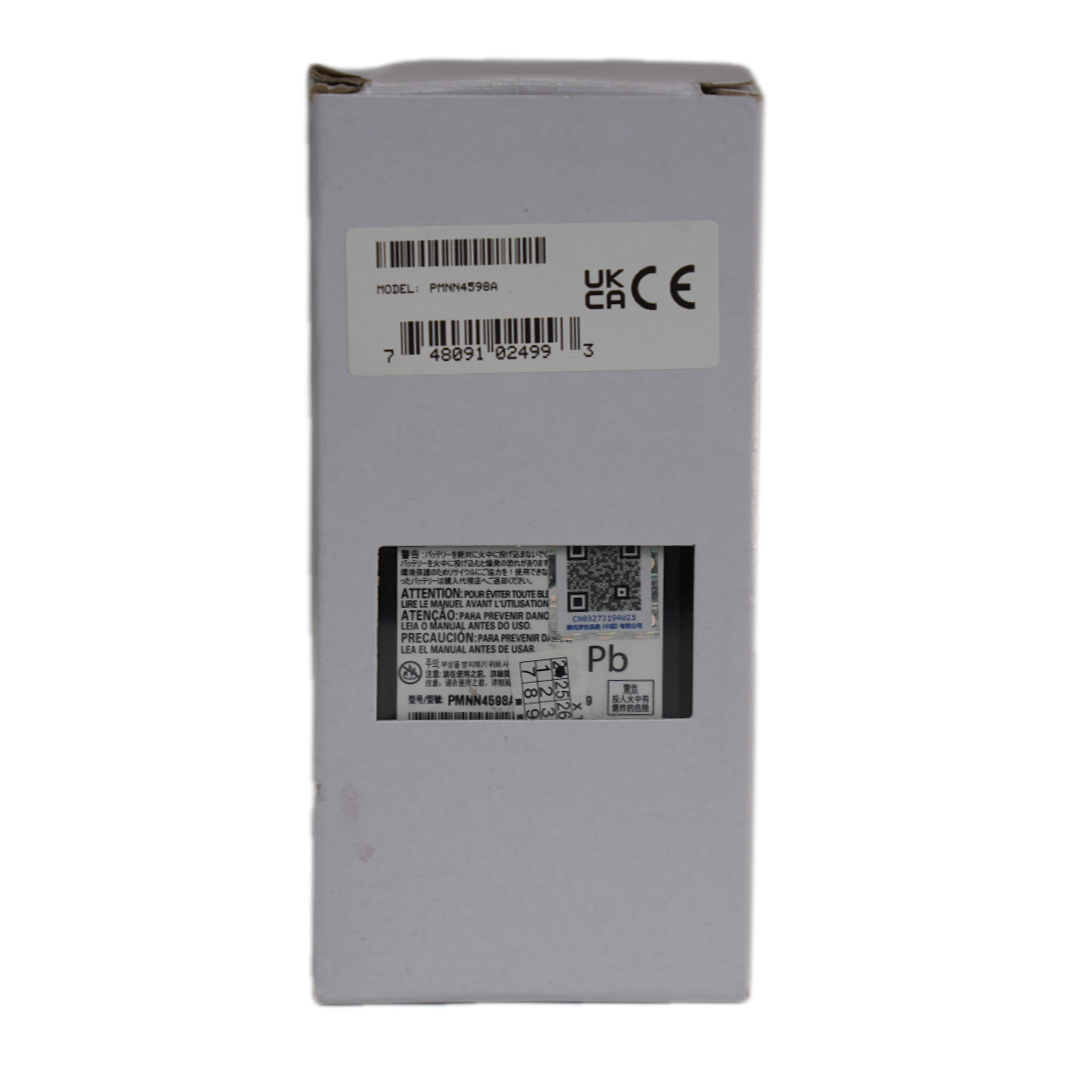
Battery Compatibility and Device Features
Motorola's DP4400, DP4600, and DP48 walkie-talkies are popular in the communication market for their reliability and performance. The 7.2V 2450mAh lithium-ion battery is specifically designed to meet the power needs of these models. According to industry research, a high - quality lithium-ion battery can provide up to 8 - 10 hours of continuous use for these walkie - talkies, depending on usage patterns such as frequency of transmission and reception.
"Using the correct battery is crucial for the optimal performance of your walkie - talkie. The 7.2V 2450mAh lithium - ion battery is engineered to match the electrical requirements of Motorola DP4400, DP4600, and DP48 models precisely," says a battery expert.
Battery Installation and Replacement
Proper installation and replacement of the battery are essential for safe and efficient operation. Here are the steps:
- Turn off the walkie - talkie to prevent any electrical hazards.
- Locate the battery compartment on the back of the walkie - talkie.
- Open the compartment cover by sliding or pressing the designated release mechanism.
- Remove the old battery carefully, making sure not to damage the battery terminals or the walkie - talkie's internal components.
- Align the new 7.2V 2450mAh lithium - ion battery with the battery compartment, ensuring that the terminals match correctly.
- Insert the battery gently until it is fully seated in the compartment.
- Close the compartment cover securely.
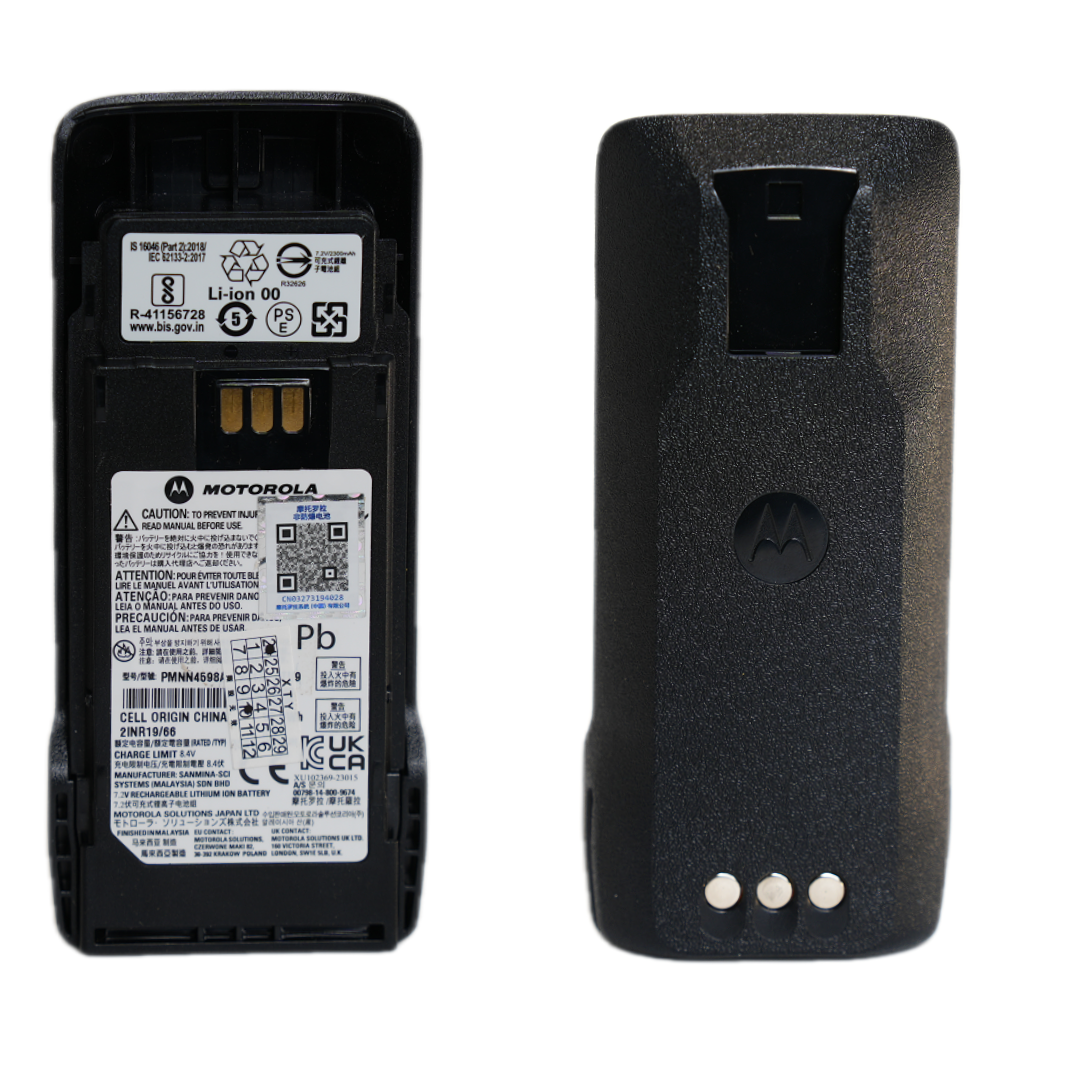
Battery Charging Specifications
Charging the battery correctly can significantly improve its lifespan and performance. Here are some key points:
- Charging Environment: Charge the battery in a cool, dry place with a temperature range of 20 - 25°C. High temperatures can cause the battery to overheat and reduce its capacity over time.
- Charger Selection: Use only the charger recommended by Motorola. A compatible charger can ensure a stable charging current and voltage, preventing overcharging or undercharging.
- Charging Time Management: Typically, it takes about 3 - 4 hours to fully charge a depleted 7.2V 2450mAh lithium - ion battery. Avoid overcharging the battery, as it can damage the battery cells.
Daily Maintenance Tips
Regular maintenance can help prevent battery - related problems and extend the battery's lifespan. Here are some suggestions:
- Periodically check the battery's physical condition, such as looking for signs of swelling, leakage, or damage.
- Keep the battery terminals and the walkie - talkie's battery contacts clean. You can use a dry, soft cloth to wipe them gently.
- If the walkie - talkie will not be used for an extended period, store the battery at around 50% charge in a cool, dry place.
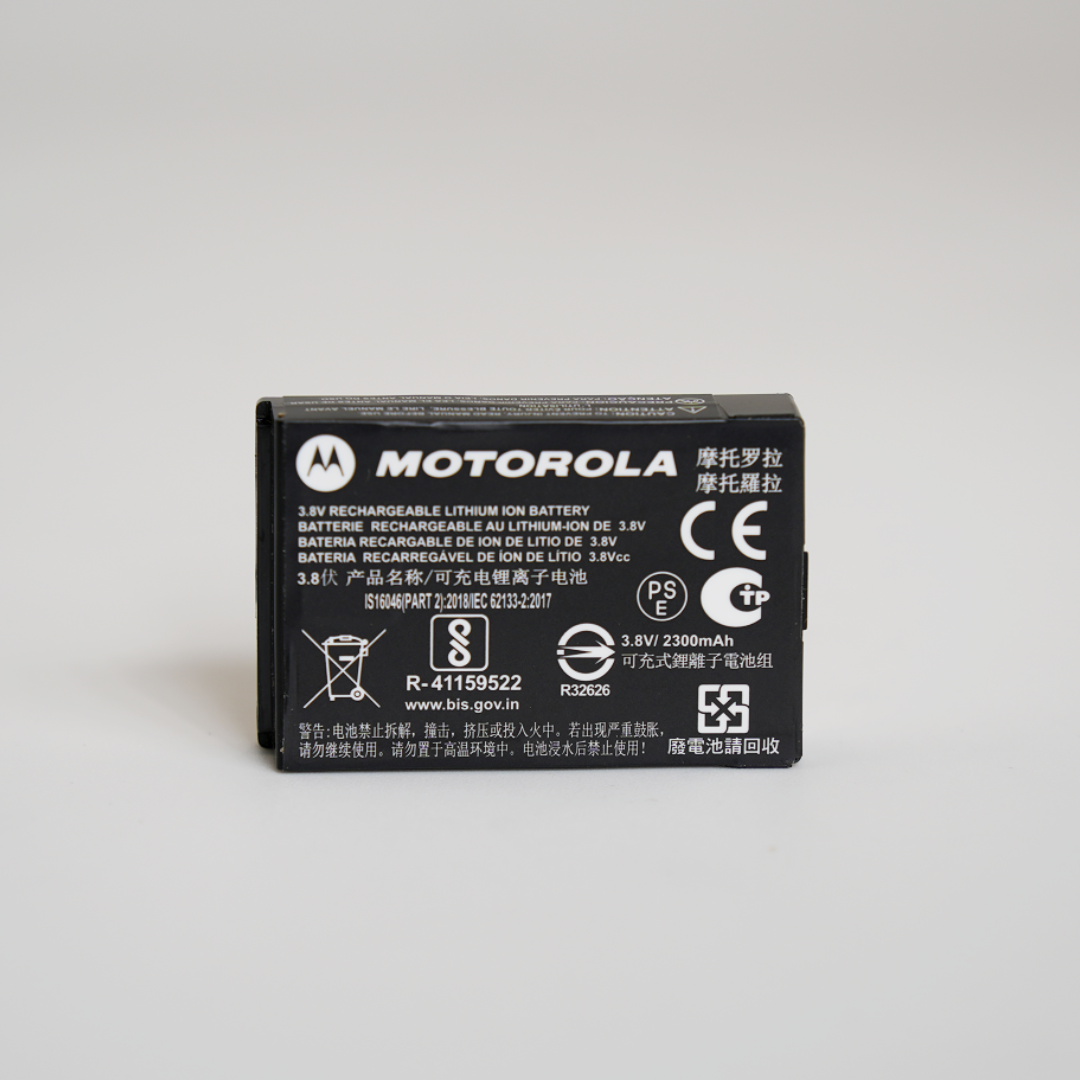
Troubleshooting Common Battery Problems
Here are some common battery - related problems and their solutions:
| Problem |
Solution |
| The battery does not charge |
Check the charger connection, the battery terminals, and try using a different charger. |
| The walkie - talkie has a short battery life |
The battery may be old or damaged. Consider replacing it with a new 7.2V 2450mAh lithium - ion battery. |
Using the correct battery and following proper maintenance procedures are essential for the long - term performance and reliability of your Motorola walkie - talkies. By following the guidelines in this article, you can ensure a safe and efficient communication experience.
Learn More About Motorola Walkie - talkie Batteries






.png?x-oss-process=image/resize,h_600,m_lfit/format,webp)
.png)


.png?x-oss-process=image/resize,h_600,m_lfit/format,webp)


 Facebook