
In the realm of professional communication, Motorola DP4400, DP4600, and DP48 walkie-talkies have long been recognized for their reliability and performance. The 7.2V 2450mAh lithium-ion battery is a crucial component that powers these devices, ensuring seamless communication in various industries such as emergency rescue, logistics management, and construction sites. This guide delves into the compatibility requirements, proper replacement procedures, and maintenance tips for these batteries, aiming to enhance the overall user experience and extend the lifespan of the walkie-talkies.
The Motorola DP4400, DP4600, and DP48 walkie-talkies each come with unique features tailored to different professional needs. The DP4400 offers basic yet reliable communication functions, suitable for general use in small to medium-sized teams. The DP4600, on the other hand, provides enhanced features such as GPS tracking and advanced audio quality, making it ideal for applications where real-time location information is crucial. The DP48 is the top-of-the-line model, boasting high-performance capabilities and robust durability, perfect for demanding environments.
These walkie-talkies require a battery that can meet their specific power demands. The 7.2V 2450mAh lithium-ion battery is designed to provide a stable and long-lasting power supply, ensuring that the devices can operate continuously for extended periods. With a capacity of 2450mAh, this battery can support up to 10 hours of continuous use, depending on the usage mode and environmental conditions.
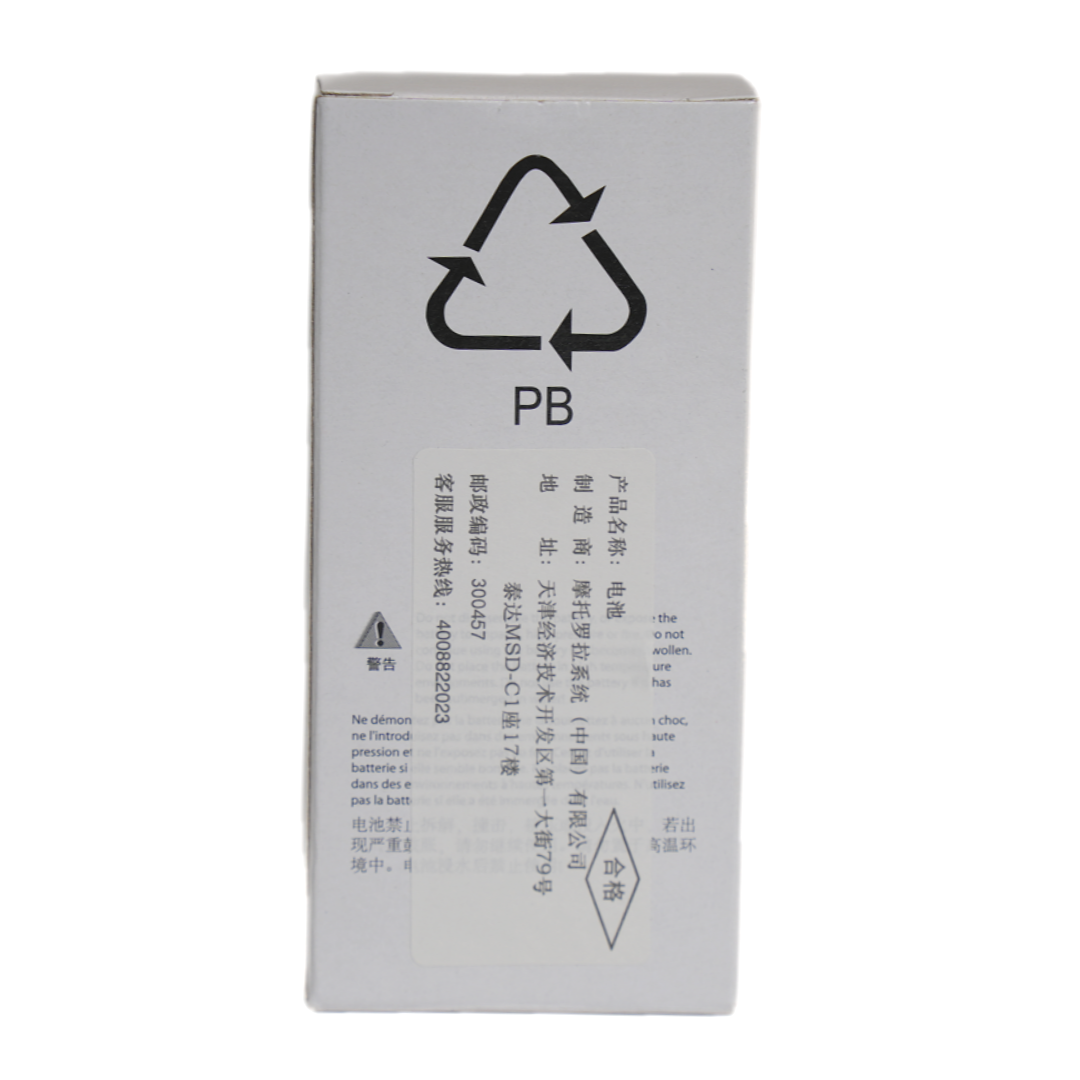
Selecting the right battery and installing it correctly is essential for ensuring the optimal performance and safety of the walkie-talkies. Using an incompatible battery can not only lead to poor device performance but also pose a safety risk, such as overheating or even explosion. Therefore, it is crucial to choose a battery that is specifically designed for the Motorola DP4400, DP4600, or DP48 walkie-talkies.
When installing the battery, it is important to follow the manufacturer's instructions carefully. Make sure the battery is inserted in the correct orientation and that all connections are secure. A loose or improper connection can cause intermittent power supply, leading to communication disruptions and potential damage to the device.
Replacing the battery of the Motorola DP4400, DP4600, or DP48 walkie-talkie is a straightforward process. Follow these steps to ensure a proper replacement:
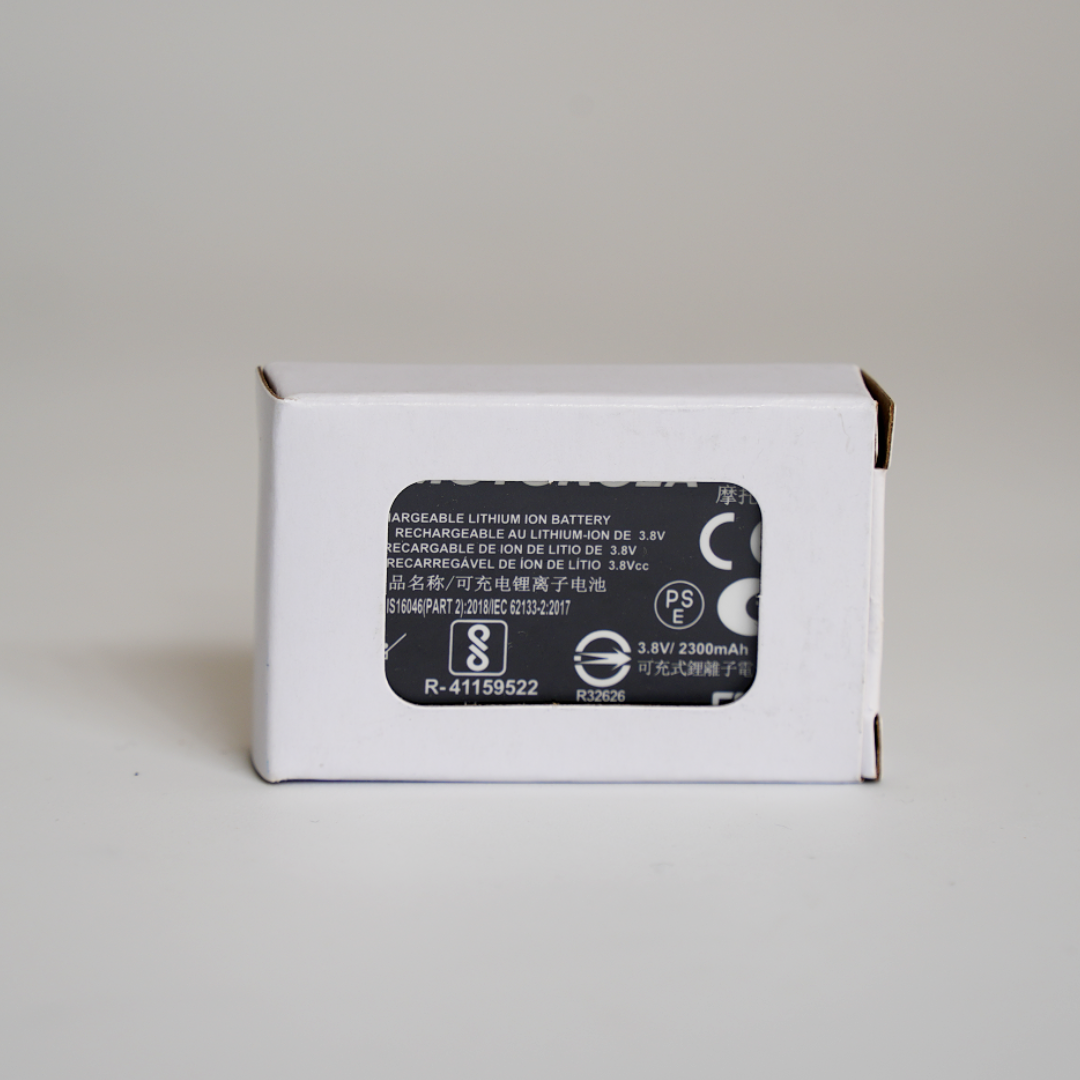
To extend the lifespan of the battery and ensure its optimal performance, it is important to follow these charging and maintenance tips:
Despite proper care and maintenance, batteries may still encounter some common faults. Here are some troubleshooting methods for these issues:
| Fault Description | Possible Causes | Troubleshooting Methods |
|---|---|---|
| Battery does not charge | - Charger is not properly connected - Battery is damaged - Charger is faulty |
- Check the charger connection and make sure it is secure - Try using a different charger - If the problem persists, contact Motorola customer support |
| Battery drains quickly | - Battery is old or worn out - Walkie-talkie is in high-power mode - There are too many background applications running |
- Replace the battery with a new one - Adjust the walkie-talkie settings to reduce power consumption - Close any unnecessary background applications |
| Battery overheats during charging | - Charging in a high-temperature environment - Overcharging - Battery is damaged |
- Move the charger and battery to a cooler place - Stop charging and let the battery cool down - If the problem persists, contact Motorola customer support |
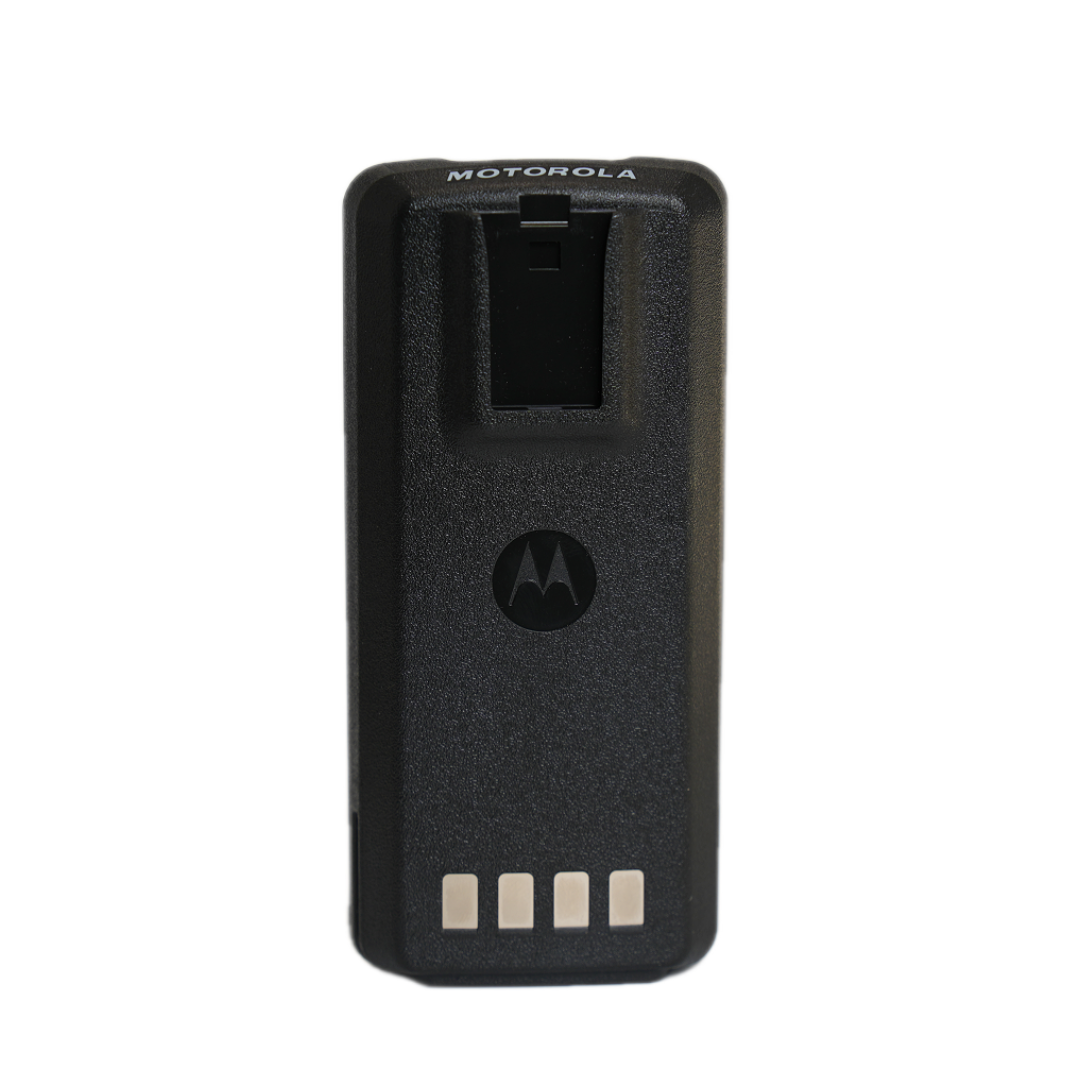
In conclusion, the 7.2V 2450mAh lithium-ion battery is a perfect match for the Motorola DP4400, DP4600, and DP48 walkie-talkies, offering high compatibility and excellent performance. By following the guidelines in this guide, users can ensure the proper use and maintenance of these batteries, thereby enhancing the reliability and longevity of their walkie-talkies. Don't miss out on this high-quality battery solution that guarantees stable power supply and safe operation. Click here to learn more and make your purchase today!






.png?x-oss-process=image/resize,h_600,m_lfit/format,webp)
.png)


.png?x-oss-process=image/resize,h_600,m_lfit/format,webp)


 Facebook