
Are you struggling with the short battery life of your Motorola GP series radios in high-frequency use scenarios? Don't worry! In this article, we'll delve deep into the factors affecting battery life and provide you with practical tips and optimization solutions to extend the battery usage time without replacing the battery.
Several factors can significantly impact the battery life of your Motorola GP series radios. Let's take a closer look:
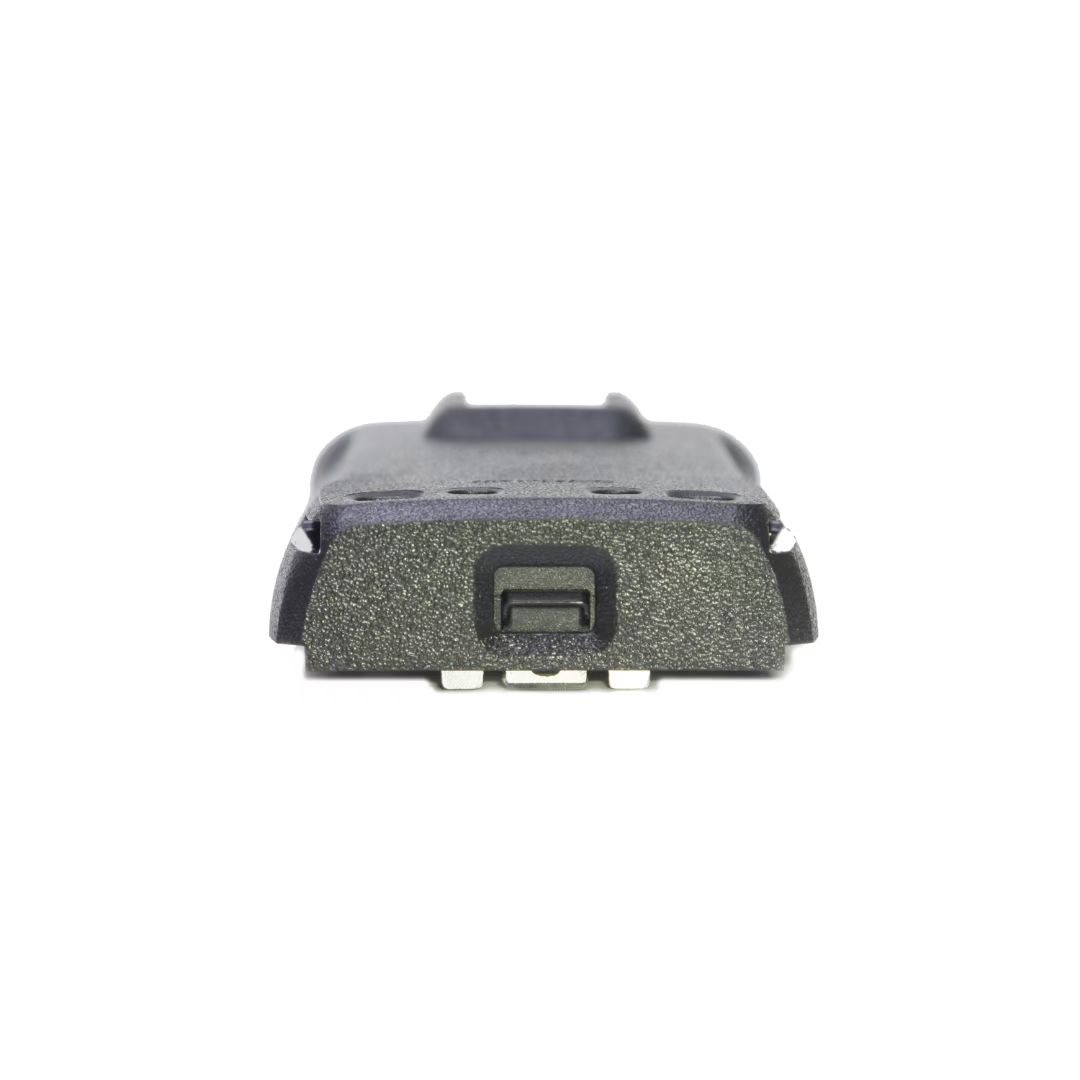
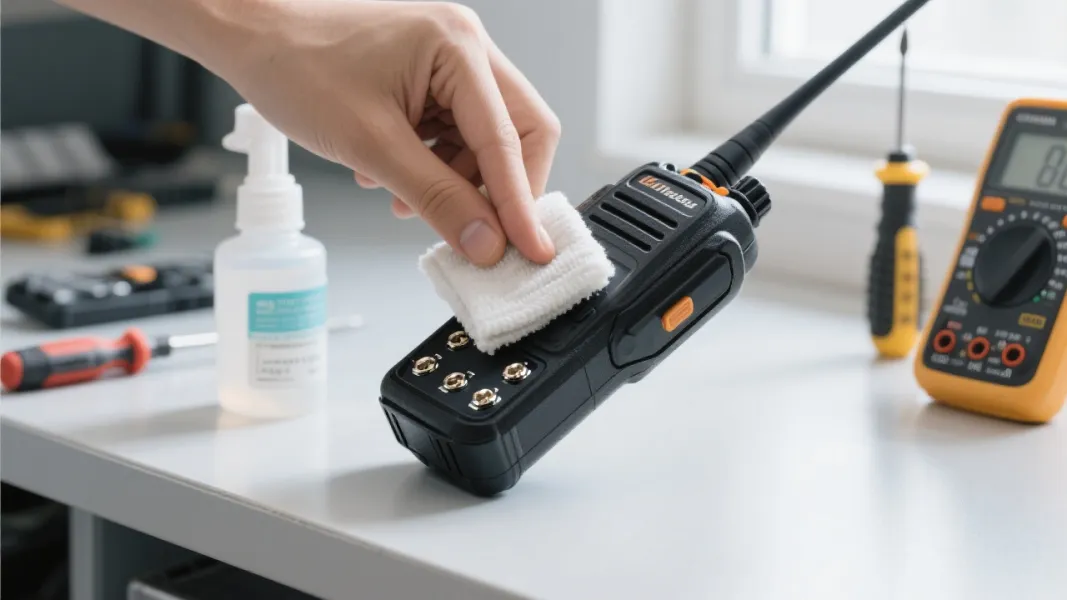
To ensure your battery lasts as long as possible, follow these maintenance tips:
You can also optimize your radio settings to save battery power:
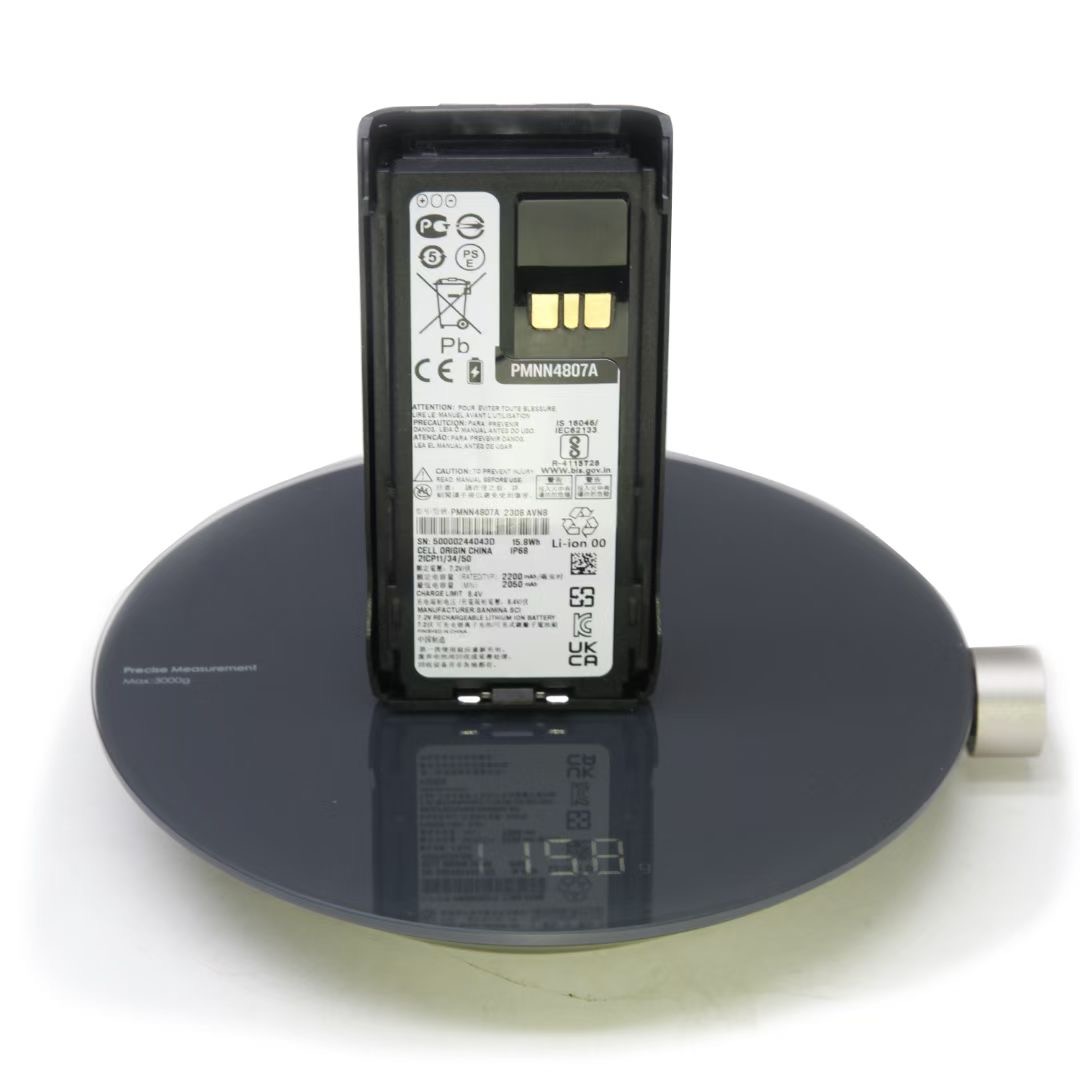
Let's look at some typical high-frequency scenarios where these tips can be applied:
| Scenario | Challenges | Solutions |
|---|---|---|
| Outdoor Work | Exposure to various environmental temperatures and long working hours | Use proper battery maintenance techniques and optimize radio settings. Also, carry a spare battery if needed. |
| Security Patrol | Continuous use of the radio throughout the shift | Follow battery maintenance tips and adjust the radio settings to save power. Consider using a high-capacity battery. |
| Logistics Scheduling | Frequent communication and movement in different areas | Optimize the radio settings and maintain the battery properly. The NNTN5510 thin battery can be a great solution as it offers long-lasting power in a compact size. |
The NNTN5510 thin battery is a perfect solution for your Motorola GP series radios in high-frequency use scenarios. It offers several advantages:
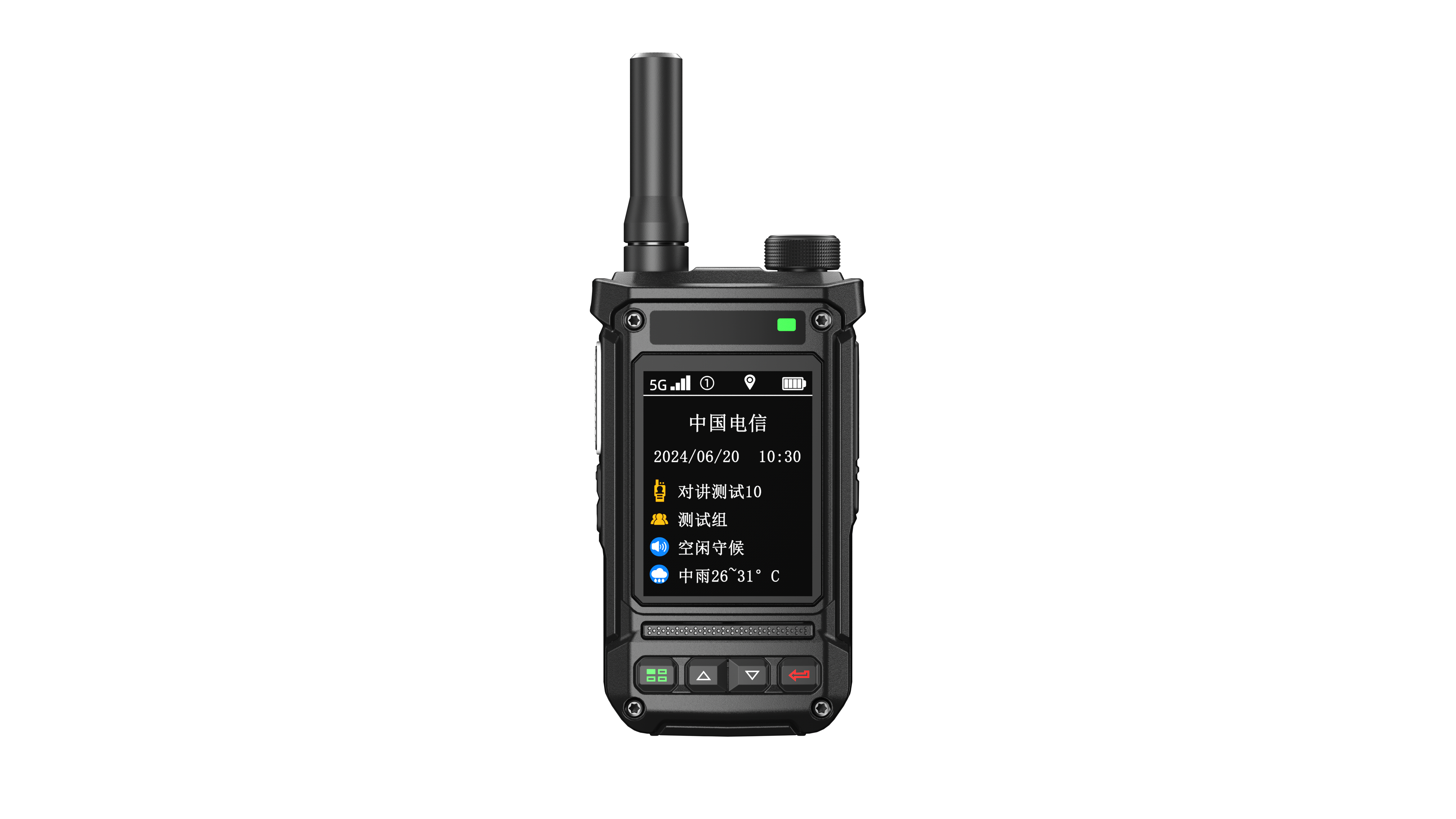
Now, you have all the knowledge and tips to improve the battery life of your Motorola GP series radios. Don't let battery issues affect your work efficiency. Get the NNTN5510 thin battery now and say goodbye to short battery life!
 254
|
254
|
 multi-function communication devices
enterprise radio upgrade
frequency hopping radio
DTMF encoding decoding
secure business communication
multi-function communication devices
enterprise radio upgrade
frequency hopping radio
DTMF encoding decoding
secure business communication
 93
|
Smart noise-canceling walkie-talkie
Industrial protective communication
Team communication efficiency
Digital signal processing
Security encryption technology
93
|
Smart noise-canceling walkie-talkie
Industrial protective communication
Team communication efficiency
Digital signal processing
Security encryption technology
 146
|
YUECENT Y60 Global Walkie-Talkie
one-touch talk walkie-talkie
encrypted secure walkie-talkie
146
|
YUECENT Y60 Global Walkie-Talkie
one-touch talk walkie-talkie
encrypted secure walkie-talkie
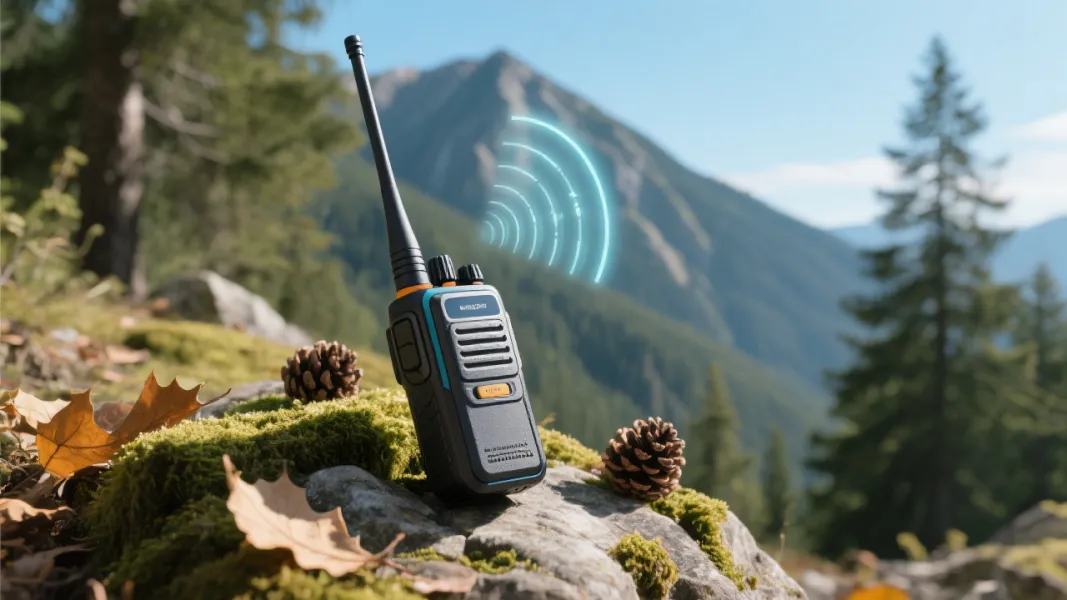 248
|
wideband walkie-talkie
UV-5R two-way radio
multi-scenario communication
VHF UHF radios
professional walkie-talkie
248
|
wideband walkie-talkie
UV-5R two-way radio
multi-scenario communication
VHF UHF radios
professional walkie-talkie
 30
|
Thin - type battery technical principles
PMNN4807A battery detailed analysis
Compatibility of Motorola two - way radio battery
Foreign trade B2B battery procurement guide
Battery performance optimization analysis
30
|
Thin - type battery technical principles
PMNN4807A battery detailed analysis
Compatibility of Motorola two - way radio battery
Foreign trade B2B battery procurement guide
Battery performance optimization analysis







.png?x-oss-process=image/resize,h_600,m_lfit/format,webp)
.png)




.png?x-oss-process=image/resize,h_600,m_lfit/format,webp)


 Facebook